Pinterest Video Downloader Free
Use this pinterest video downloader free tool to save any Pinterest video. Paste the link, tap Get Video, and download it to your phone or computer.
Why use a Pinterest video downloader free tool?
Pinterest has many useful videos, like recipes, DIY ideas and tutorials. But it has no button to download them. You can save a pin to a board, but the video only plays inside Pinterest. If the pin is deleted or you have no internet, you lose it.
This tool fixes that. Copy the link of a video pin, paste it in the box above, and get the video as a file. You can keep it, watch it offline, or send it to another device.
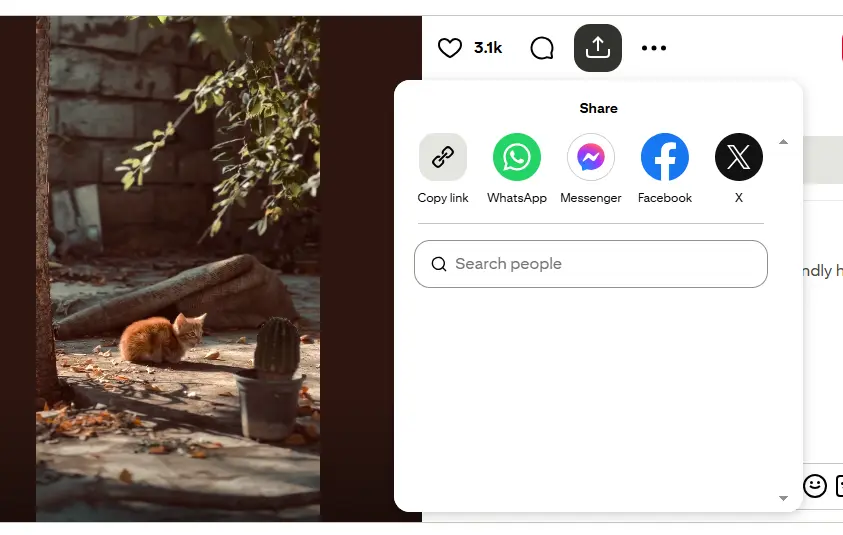
Works on any device
You use it in your browser, so there is nothing to install. It works on Android, iPhone, iPad, Windows, Mac and Linux.
On a phone, the video usually goes to your Downloads folder or the Files app. On a computer, it goes to your browser's download folder. Chrome, Safari, Firefox and Edge all work.
Which links can I use?
You can paste the full link from your browser, or the short pin.it link from the Share button in the Pinterest app. Short links work automatically.
The link must be for a pin that has a video. Links to image pins, boards or profiles will not work.
Why people use it
- No account needed. No login, no signup and no email. Just paste a link.
- We don't save your videos. The video goes straight to your device.
- Free. No subscription and nothing to install.
- Simple. Paste the link, tap one button, and the video is ready.
What you get
You get the video as an MP4 file. MP4 plays on almost every phone, computer and TV. The quality is the same as the video on Pinterest. If the original is HD, your download is HD. If the original is low quality, the download will be too.
Want help with each step? See our step-by-step guide with pictures.